
 Silas ParkerandAlex Goodman
546c872c9d
Silas ParkerandAlex Goodman
546c872c9d
* Add support for scanning IPK packages using the deb-archive-cataloger

Signed-off-by: Silas Parker <silas@srp.me.uk>

* fix(debian): share License field parsing between opkg status and archive control files

- the control-file `License:` fallback now goes through the same helper as the opkg status DB path, so a package reports the same licenses whether found installed or as an archive
- bitbake `&` / `|` are rewritten to SPDX `AND` / `OR` and the whole value is validated as one expression instead of split by hand, which kept grouping like `(A & B) | C` intact
- non-SPDX values fall back to a deduped list of names with operators and parens dropped (previously the status DB path emitted `&`, `(BSD`, etc as licenses)
- fields over 4KB are ignored, bounding work per archive and keeping deep paren nesting away from the recursive expression parser

Signed-off-by: Alex Goodman <wagoodman@users.noreply.github.com>

* fix(debian): split Yocto recipe filenames in the Source field

Yocto writes the bitbake recipe filename (`Source: zlib_1.3.2.bb`) where dpkg expects a source package name. This is now split into `Source: zlib` / `SourceVersion: 1.3.2` for both ipk archives and opkg status DB entries, instead of surfacing the `.bb` filename as the upstream package.

Signed-off-by: Alex Goodman <wagoodman@users.noreply.github.com>

* fix(debian): do not label ipk archives as Debian packages

- `.ipk` archives no longer get a `pkg:deb` PURL from the assumed debian distro; opkg-based distros (Yocto, OpenWrt) have no purl type, so these now match packages found in an opkg status DB, which already get no PURL
- docs now cover `.ipk` and note that only ar-framed ipks are supported (OpenWrt's older gzipped-tar framing is rejected as an invalid archive)

Signed-off-by: Alex Goodman <wagoodman@users.noreply.github.com>

* test(debian): assemble the ipk fixture at build time instead of committing it

The fixture Dockerfile now builds a Yocto-shaped `.ipk` from a checked-in `control/` directory (copied from the original poky-tiny build) using `tar`, `zstd` and binutils `ar`, the same way bitbake's `package_ipk` packs one. This drops the prebuilt binary and the 20-30 minute Yocto `Dockerfile.build` while keeping the same archive layout and control metadata.

Signed-off-by: Alex Goodman <wagoodman@users.noreply.github.com>

---------

Signed-off-by: Silas Parker <silas@srp.me.uk>
Signed-off-by: Alex Goodman <wagoodman@users.noreply.github.com>
Co-authored-by: Alex Goodman <wagoodman@users.noreply.github.com>

Syft
A CLI tool and Go library for generating a Software Bill of Materials (SBOM) from container images and filesystems. Exceptional for vulnerability detection when used with a scanner like Grype.






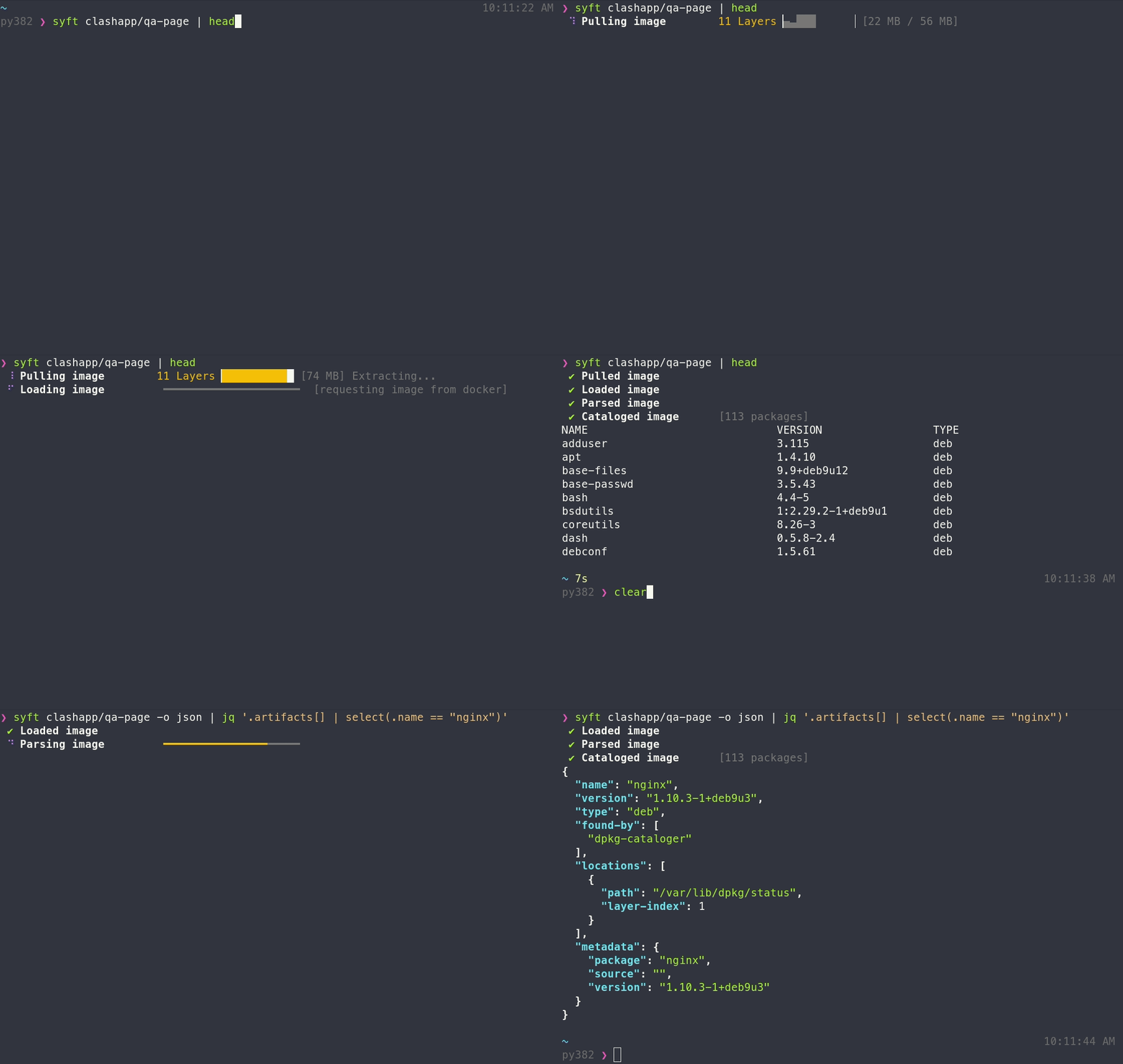
Features
- Generates SBOMs for container images, filesystems, archives (see the docs for a full list of supported scan targets)
- Supports dozens of packaging ecosystems (e.g. Alpine (apk), Debian (dpkg), RPM, Go, Python, Java, JavaScript, Ruby, Rust, PHP, .NET, and many more)
- Supports OCI, Docker, Singularity, and more image formats
- Works seamlessly with Grype for vulnerability scanning
- Multiple output formats (CycloneDX, SPDX, Syft JSON, and more) including the ability to convert between SBOM formats
- Create signed SBOM attestations using the in-toto specification
Tip
New to Syft? Check out the Getting Started guide for a walkthrough!
Installation
The quickest way to get up and going:
curl -sSfL https://get.anchore.io/syft | sudo sh -s -- -b /usr/local/bin
Tip
See Installation docs for more ways to get Syft, including Homebrew, Docker, Scoop, Chocolatey, Nix, and more!
The basics
See the packages within a container image or directory:
# container image
syft alpine:latest

# directory
syft ./my-project
To get an SBOM, specify one or more output formats:
# SBOM to stdout
syft <image> -o cyclonedx-json

# Multiple SBOMs to files
syft <image> -o spdx-json=./spdx.json -o cyclonedx-json=./cdx.json
Local containers-storage images
On Linux, syft can scan images from a local containers-storage store (e.g. built with Buildah or Podman) when asked explicitly; plain image references never look there:
syft --from containers-storage localhost/myimage:latest

# rootless stores must be read from inside the builder's user namespace
podman unshare syft --from containers-storage localhost/myimage:latest
This is included in the Linux release binaries. When building from source, add -tags containers_image_openpgp,exclude_graphdriver_btrfs.
Tip
Check out the Getting Started guide to explore all of the capabilities and features.
Want to know all of the ins-and-outs of Syft? Check out the CLI docs, configuration docs, and JSON schema.
Contributing
We encourage users to help make these tools better by submitting issues when you find a bug or want a new feature. Check out our contributing overview and developer-specific documentation if you are interested in providing code contributions.
Syft development is sponsored by Anchore, and is released under the Apache-2.0 License.
The Syft logo by Anchore is licensed under CC BY 4.0


For commercial support options with Syft or Grype, please contact Anchore.
Come talk to us!
The Syft Team holds regular community meetings online. All are welcome to join to bring topics for discussion.
- Check the calendar for the next meeting date.
- Add items to the agenda (join this group for write access to the agenda)
- See you there!